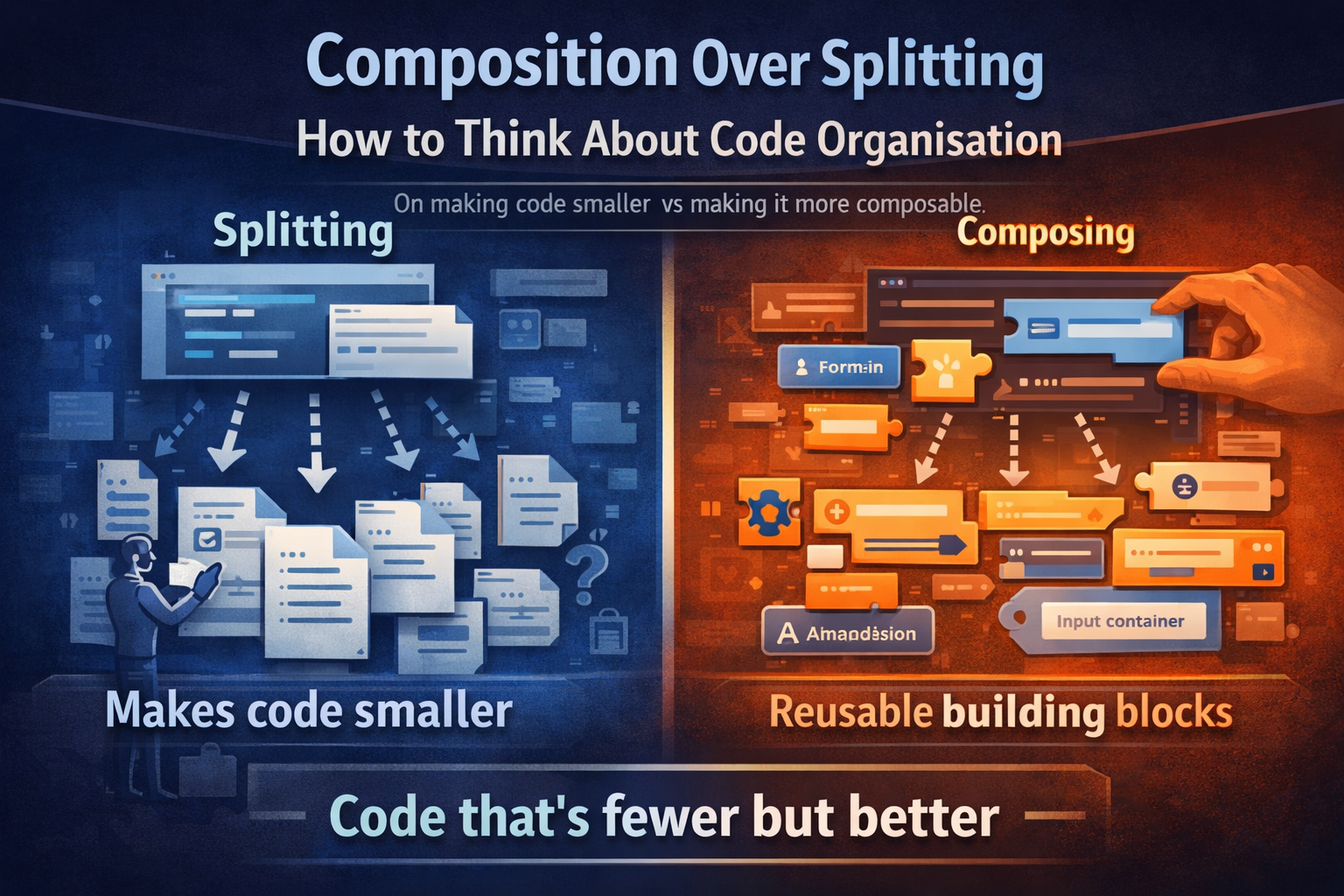
On the difference between making code smaller and making it more composable — and why one of those is actually the goal.
The Instinct
A component or function gets long. It becomes hard to scan, hard to navigate, hard to reason about. The natural response is to cut it into pieces — pull sections out into their own files, give them their own names, and call it organised.
It feels productive. The original file shrinks. Things have names. Job done.
But often, nothing has actually improved. The complexity hasn’t been addressed — it’s been distributed. You now have more files, more component boundaries, more indirection, and the same underlying structure hiding across all of them. Navigation got harder, not easier.
The question worth asking before reaching for the split is: what is actually causing the size?
Two Different Problems, One Symptom
A large component or function can be large for two very different reasons:
1. Variable bleeding and scope pollution
A function has grown so wide that local variables from one block are visible in — and accidentally affecting — another. The cognitive overhead isn’t the length, it’s the entanglement. Here, extracting a function or class makes genuine sense: you’re not just moving code, you’re creating a boundary that enforces isolation. The extracted unit has its own scope, its own inputs and outputs, its own contract. That’s real value.
2. Accumulated markup or logic that hasn’t been composed well
The size comes from repeating patterns that haven’t been abstracted. The same label-input-hint structure appearing twelve times. The same conditional wrapper repeated across every field. The same layout boilerplate stacked everywhere. Here, splitting doesn’t help — you just move the repetition into multiple files. The solution is to go in the other direction: build better primitives, and let the composition do the work.
Splitting solves scope entanglement. Composition solves structural repetition. They are not the same thing.
What “Splitting for Grouping” Looks Like
Consider a talent sheet with tabs — Personal Data, Contact, Preferences, Intern. Each tab gets its own component. It seems organised: one component per section, clean folder structure, each file has a clear name.
<app-sheet>
  <app-tab-bar>
    <app-tab [active]="true">Personal</app-tab>
    <app-tab>Contact</app-tab>
    <app-tab>Preferences</app-tab>
  </app-tab-bar>

  @if (activeTab === 'personal') {
    <app-talent-personal-data />  <!-- split for grouping -->
  }
  @if (activeTab === 'contact') {
    <app-talent-contact />        <!-- split for grouping -->
  }
</app-sheet>Now look at what’s inside talent-personal-data:
<div class="flex flex-col gap-f w-full">
  <div class="flex flex-col gap-c">
    <div class="flex flex-col">
      <label [for]="'firstName' + id">First name</label>
      <div class="input-wrapper">
        <input [id]="'firstName' + id" type="text" formControlName="firstName" />
      </div>
    </div>
    <div class="flex flex-col">
      <label [for]="'lastName' + id">Last name</label>
      <div class="input-wrapper">
        <input [id]="'lastName' + id" type="text" formControlName="lastName" />
      </div>
    </div>
    <!-- ... repeated 8 more times -->
  </div>
</div>The file is smaller than what it came from — but nothing composable was extracted. The label-input pattern is still repeated manually every time. The split just moved the repetition to a new address.
And now there’s a new cost: the form context, the service injections, the state — all of it has to cross the component boundary. What was local is now an input, an output, or a shared service. The split created coupling in order to solve a size problem.
What Composition Actually Looks Like
Instead of asking “what can I move to another file?”, ask “what patterns am I repeating, and can those become a primitive?”
When a UI library starts providing <ui-form-field>, <ui-input-container>, <ui-accordion> — the markup that was once 20 lines per field becomes 5. The file that felt too large to navigate now fits comfortably in a single view. The section components that were created to manage the size become unnecessary boundaries — they add indirection without providing structure.
The same sheet, composed instead of split:
<app-sheet>
  <app-tab-bar>
    <app-tab [active]="true">Personal</app-tab>
    <app-tab>Contact</app-tab>
    <app-tab>Preferences</app-tab>
  </app-tab-bar>

  <ui-accordion title="Personal data">
    <ui-form-field [label]="'firstName' | i18next" required>
      <ui-input-container isClearable>
        <input ui-text-input formControlName="firstName" type="text" />
      </ui-input-container>
    </ui-form-field>

    <ui-form-field [label]="'lastName' | i18next" required>
      <ui-input-container isClearable>
        <input ui-text-input formControlName="lastName" type="text" />
      </ui-input-container>
    </ui-form-field>
  </ui-accordion>

  <ui-accordion title="Contact">
    <ui-form-field [label]="'email' | i18next">
      <ui-input-container isClearable>
        <input ui-text-input formControlName="email" type="email" />
      </ui-input-container>
    </ui-form-field>

    <app-talent-phones />   <!-- genuinely complex, earns its own component -->
    <app-talent-addresses /> <!-- repeating list with internal logic -->
  </ui-accordion>
</app-sheet>The sections are gone — not because they were merged back in carelessly, but because the primitives got good enough that sections aren’t load-bearing anymore. The sheet is the composition. You can see the whole form at once. You can navigate it. You can understand the shape of it without opening five files.
And the components that remain — <app-talent-phones>, <app-talent-addresses> — are there because they genuinely earn a boundary: they manage repeating list entries, have their own internal logic, and would be messy to inline. That’s a real reason to split.
When a Split Is Justified
To be clear — there are good reasons to extract components and functions. The test is whether the extraction creates genuine value beyond “this file was long”:
| Reason to split | What it actually achieves |
|---|---|
| The block has its own scope and variables that shouldn’t bleed | Enforced isolation, cleaner contract |
| The same structure is used in multiple contexts | Genuine reusability |
| The unit has complex internal logic (a list with add/remove, a stateful sub-form) | Encapsulation of behaviour |
| The unit is independently testable and worth testing in isolation | Testability boundary |
| The primitive is missing and needs to be built | Better composability everywhere |
“This section was getting long” is not on the list. That’s a navigation problem, and navigation problems are solved by good editor tooling, anchor links, and well-named accordions — not by splitting into components that create artificial coupling.
The Evolution Trap
There’s a common project lifecycle that leads here. Early on, before a mature UI library exists, markup is verbose. A single form field is 10-15 lines. A section with eight fields is over a hundred lines. Splitting feels necessary — and at that stage, it arguably is. The only way to make it navigable is to move things out.
Then the UI library improves. <ui-form-field> replaces ten lines with two. <ui-accordion> replaces the custom collapsible wrapper. <ui-input-container> handles the clear button, error state, and focus ring. The markup that justified the split is gone — but the split remains. Now there’s an <app-talent-personal-data> component that wraps six <ui-form-field> elements, adds a layer of indirection, and provides no composable value.
The architecture reflects the complexity of the past, not the complexity of the present.
This is worth revisiting periodically. When primitives improve, some component boundaries become vestigial. The right response isn’t to be precious about the existing structure — it’s to recognise that the composition has shifted, and let the unnecessary splits dissolve back into the parent.
The Mental Model
Think about what a future developer — or your future self — needs when opening this code:
- Can I see the shape of this feature in one place? If understanding a form requires opening six component files and cross-referencing their templates, the split has made things worse.
- Does this boundary protect something? A component boundary should enforce a contract — defined inputs, defined outputs, isolated state. If it’s just a
<div>with a file name, it’s not protecting anything. - Would a better primitive make this boundary unnecessary? If the answer is yes, the investment goes into the primitive, not into maintaining the split.
Composition isn’t just a structural technique — it’s a different question to ask. Not “how do I break this up?” but “what are the right building blocks, and how do they fit together?”
In Short
Split code when you have a scope problem — entangled variables, complex encapsulated behaviour, genuine reusability across contexts.
Invest in composition when you have a repetition problem — the same structure appearing over and over, markup that’s verbose because the primitives aren’t good enough yet.
A large component that composes well is easier to work with than five small components that split badly. Size is a symptom. The diagnosis matters.
Other Posts like this
Configuration vs Activation — there’s a thread connecting both: both are about resisting the instinct to simplify by merging or splitting, and instead being deliberate about what kind of boundary you’re drawing and why.